App Screen
The home screen
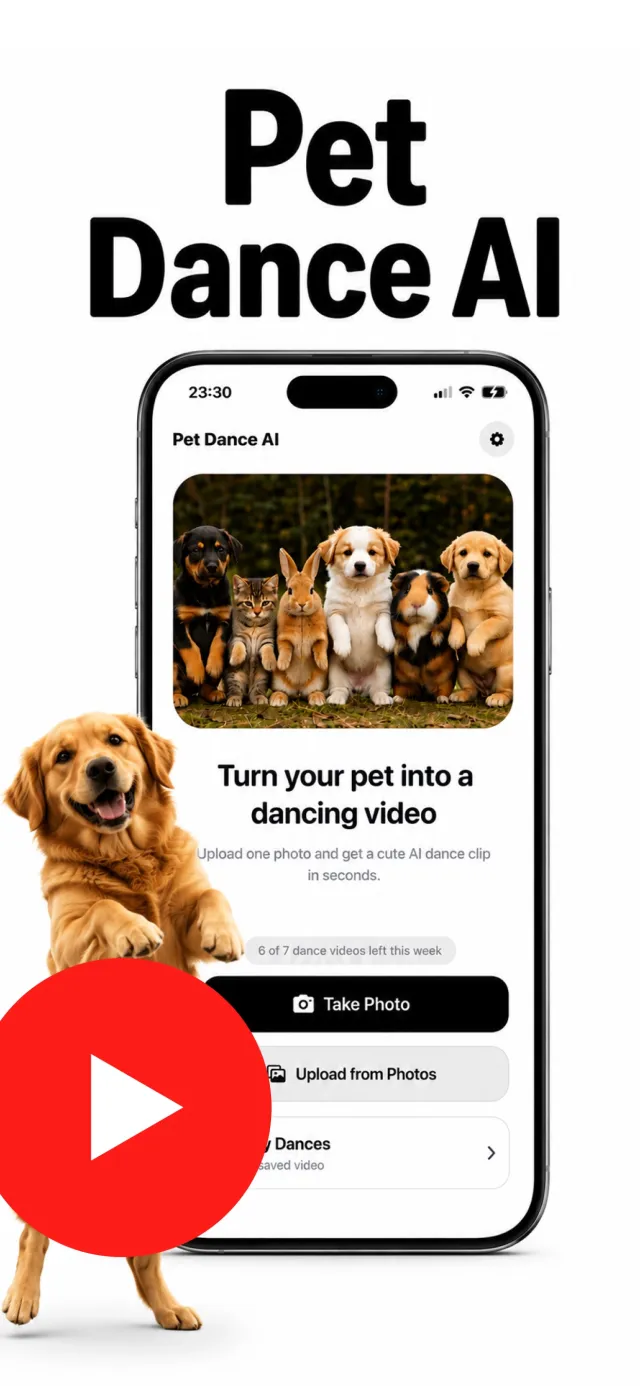
Pet Dance AI has no setup and no menus. The home screen shows a preview of what the app does, two buttons to start — Take Photo or Upload from Photos — and, if you're subscribed, a small counter for how many dance videos you have left this week.
Below the buttons, My Dances holds every clip you've made. There's a gear icon in the corner for Settings, restore purchases, and the privacy details.